Private addresses and private machine names
Reach permitted machines using private addresses and readable names, with access rules kept in the same dashboard.
PORT HUB / PRIVATE CONNECTIVITY
Connect your devices, control which services they can reach, and keep remote terminals, file transfers, and shared tools close at hand.
Public source. Self-host on your infrastructure.
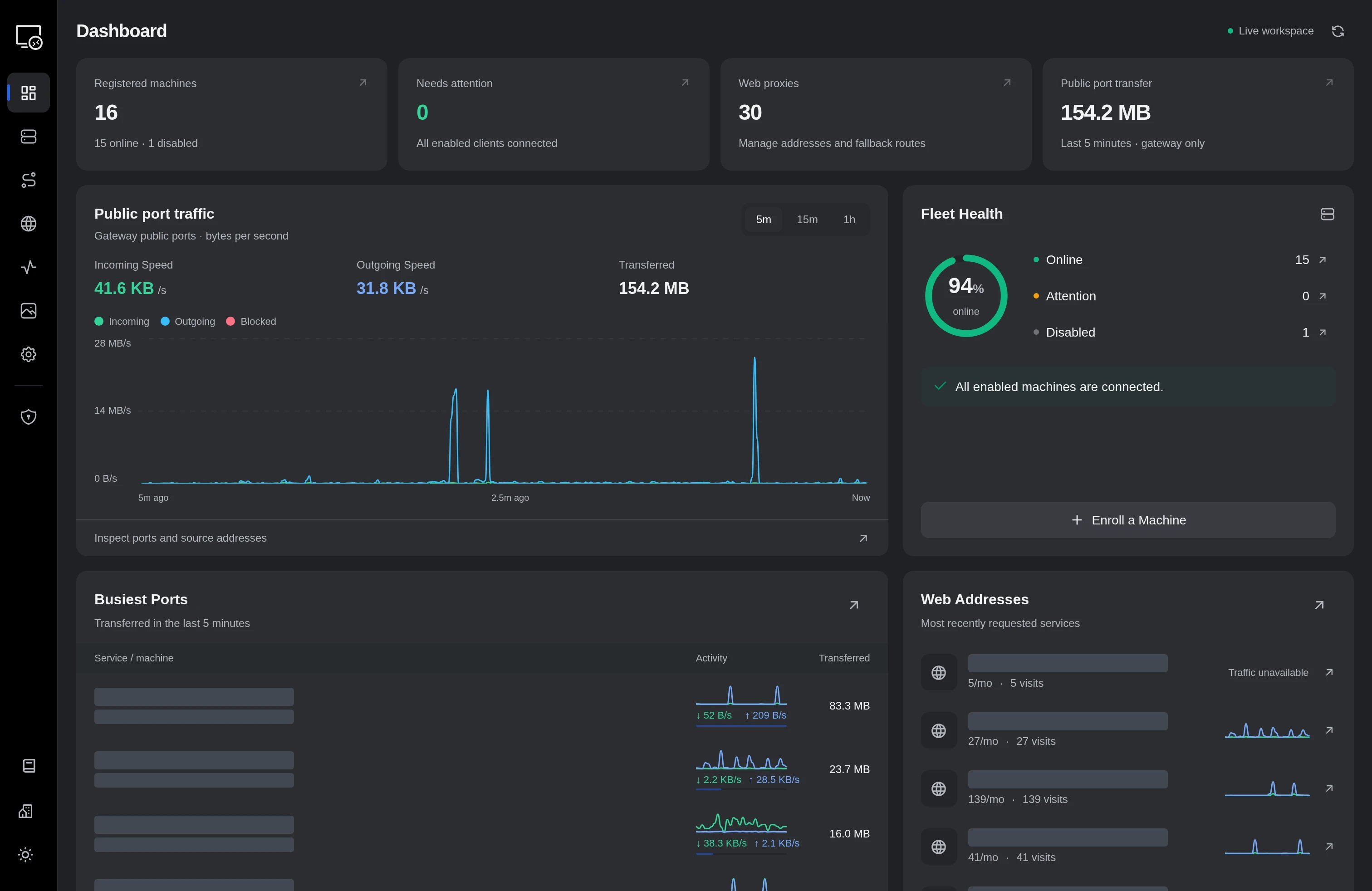
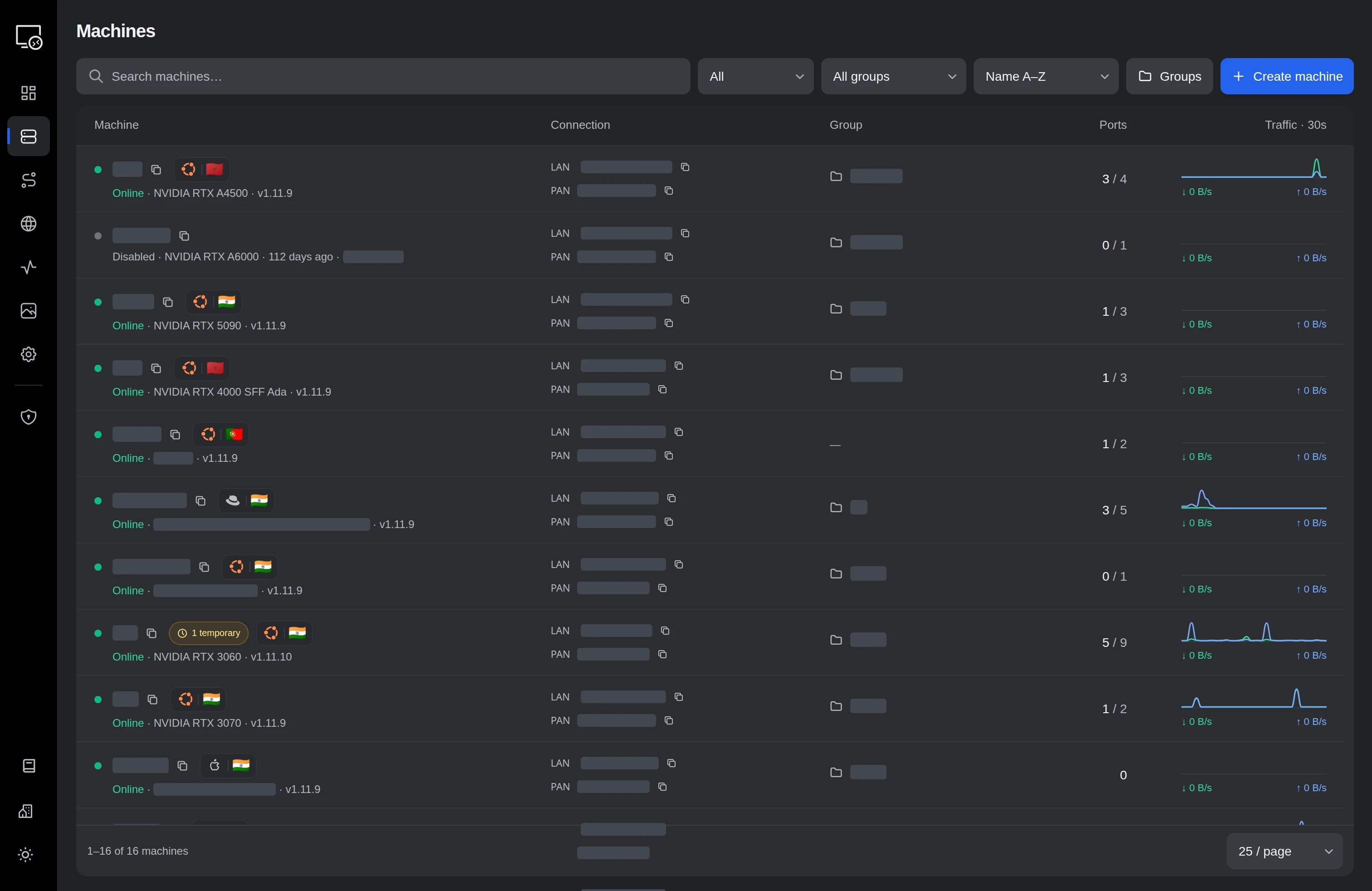
Inside PortHub
Reach permitted machines using private addresses and readable names, with access rules kept in the same dashboard.
Choose which machines and groups can connect, down to protocols and ports.
Keep a terminal running, detach, and invite collaborators through a browser or ordinary SSH.
Send a dataset, resume interrupted uploads, and watch a directory for changes without another file-transfer service.
Expose a selected service when you mean to share it, and retain its mapping across reconnects.
Put a shared URL in front of your services, with health checks, routing priorities, and load balancing.
Explore public-port, terminal, gateway and direct-path traffic with machine and port context.
Share a captured image or work together in browser rooms, with public links created deliberately.
Keep agent health, private routes and transport checks close to the machines they describe.
Engineering the workflow
A native Rust networking core connects explicit access policy to persistent tools and resumable data movement.
Enroll
Machine identity and scoped credentials
Compile policy
Workspace selectors become peer grants
Discover paths
ICE candidates, pinned DTLS, relay fallback
Choose route
Measured quality; established flows stay pinned
Move work
Resumable files and persistent terminal PTYs
Observe
Agent stats, bounded logs, traffic history
01 / MECHANISM
The Rust policy compiler resolves workspace machines, owners, and groups into only the grants incident to a requested peer. Invalid stored rules are omitted as whole rules; revision predicates prevent concurrent rule-book edits from silently replacing one another.
02 / MECHANISM
The Linux private runtime connects virtual IPs through ICE-selected paths and certificate-pinned DTLS records. Background quality probes can choose a better direct or gateway path for new flows while established flows retain their route. DNS names help locate peers; enrolled identity and policy authorize them.
03 / MECHANISM
Range workers share missing-piece work and persist download checkpoints. Uploads stage resumable chunks before committing a completed file. Directory sync skips matching files and sends changes after debounced filesystem events, preserving destination-only files.
04 / MECHANISM
Each terminal attachment has its own PTY connected to a persistent tmux workspace. Disconnecting the viewer ends its attachment, while the shared shell continues. Optional tools have independent versions, compatibility checks, and verified artifact installation.
Implementation parameters · not benchmarks
Connection routing, policy enforcement and application tools work together across the private network. The engineering article explains transport and platform behavior.
Read the full engineering storyHow it works
A closer look
Keep a session running while you detach. Invite a collaborator through the browser or SSH, and choose whether they can interact or simply follow along.
$ remote workspace
porthub terminal share research --detach
A persistent session, ready when you return.
Practical questions
Private access follows explicit machine, group, protocol and port rules. Public forwarding is a separate action for a service you deliberately choose to expose. Group membership alone does not grant access.
Direct paths use ICE and mutually pinned DTLS, with TURN and gateway options. The compatibility WebSocket fallback uses TLS on each gateway leg; it does not provide end-to-end DTLS through that gateway. Physical NAT and sustained WAN acceptance still have documented gates.
No. Watch sends changes in one direction. It does not propagate deletions or resolve two-way conflicts.
Published clients target Linux, macOS and Windows on several architectures. Private networking, service management and upgrade behavior can differ by platform; consult the repository for feature-specific requirements.
Make it work for you