Browser dictation to the focused window
Speak into the browser and have the selected client type into the application you're using.
VOICE KEYBOARD / SELF-HOSTED DICTATION
Dictate from the browser, transcribe with Whisper on your own server, and send text to the selected desktop or Bluetooth keyboard client.
Public source. Self-host on your infrastructure.
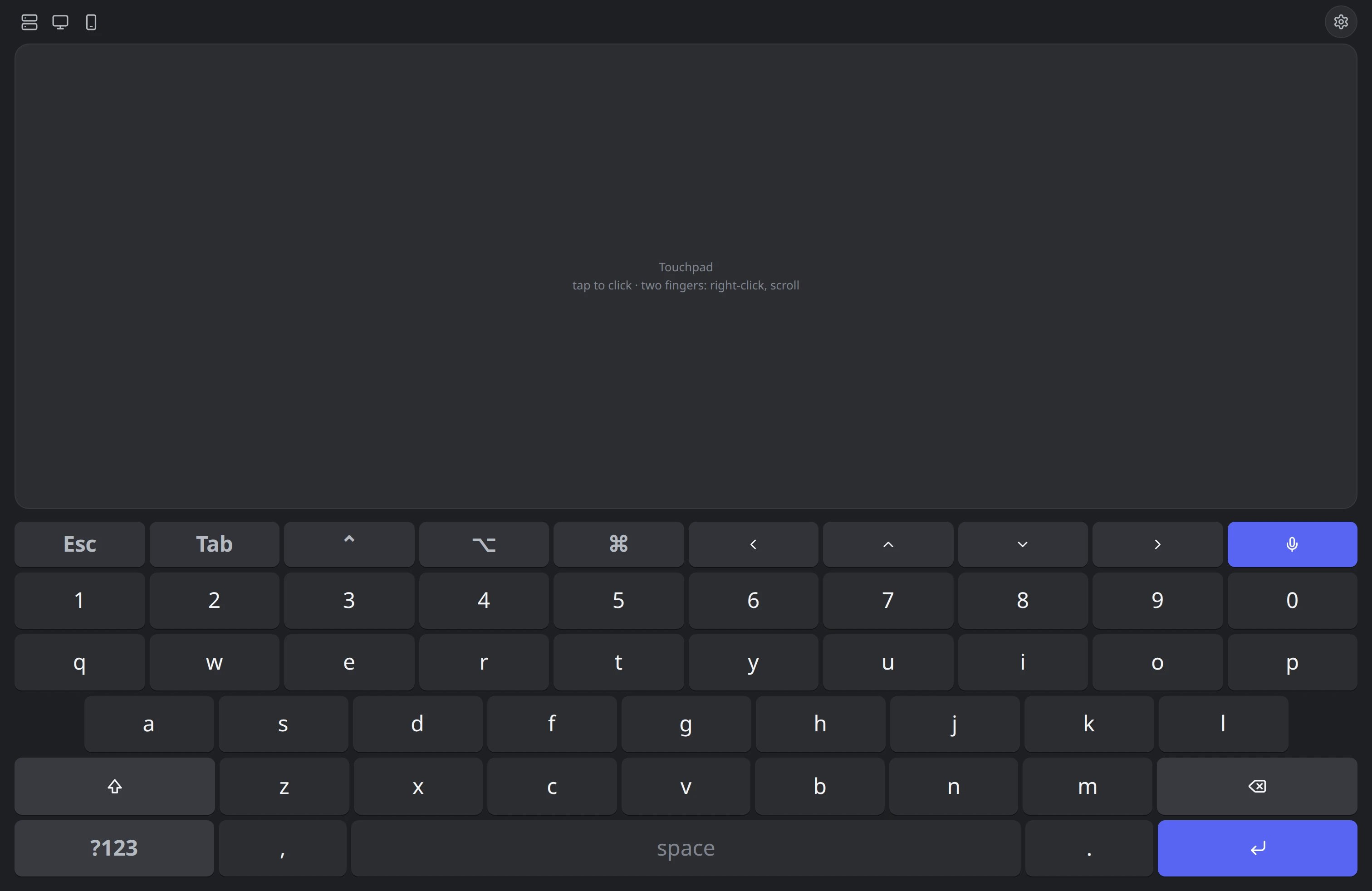
Inside Voice Keyboard
Speak into the browser and have the selected client type into the application you're using.
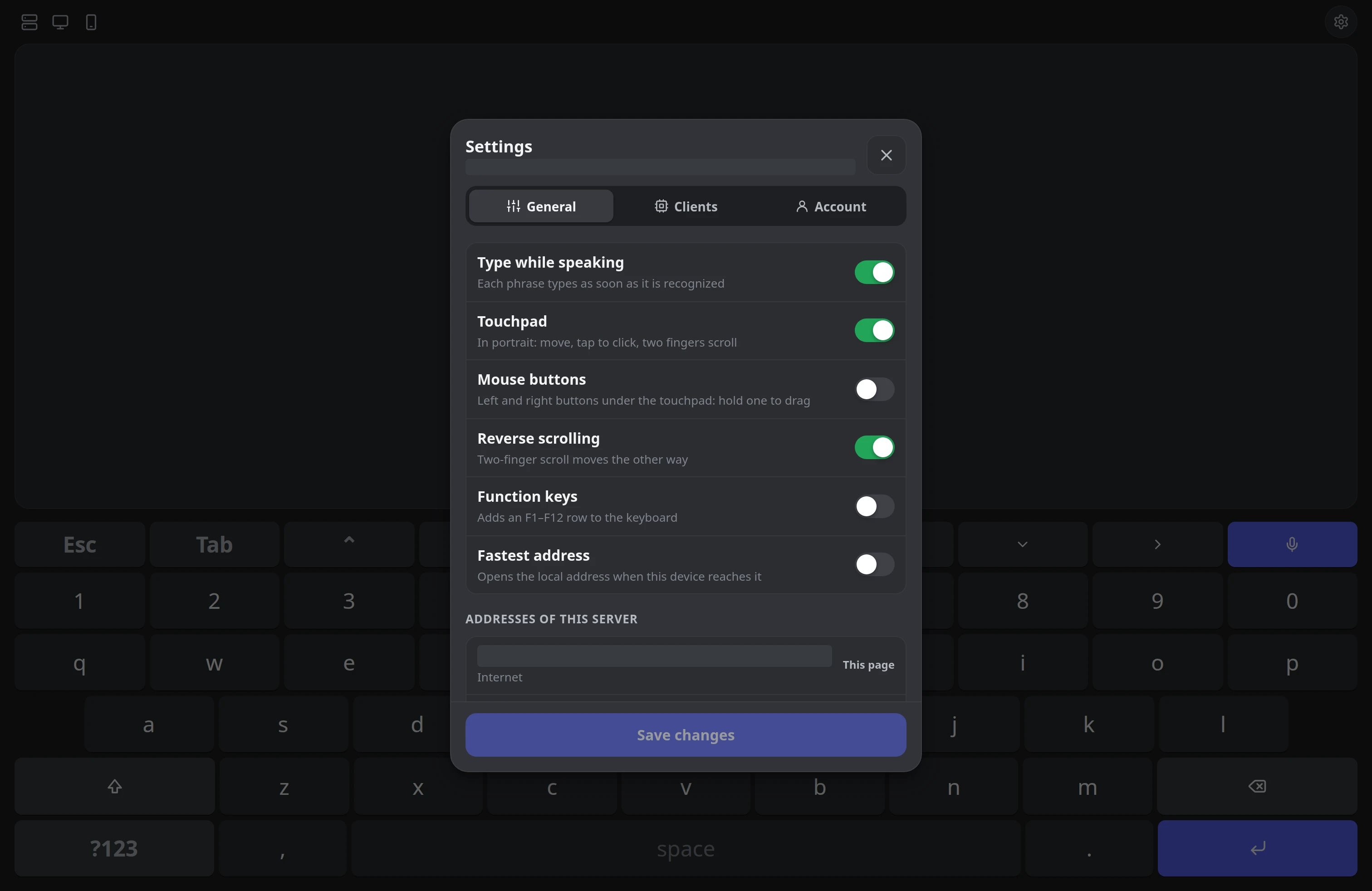
Run Whisper on your own GPU, with a slower CPU option when a compatible GPU is unavailable.
Use a small background client on Windows, macOS, or Linux, then choose the machine that should receive your text.
Pair an ESP32 or ESP32-C3 as a Bluetooth keyboard when you want a receiver without installing a desktop client on the target device.
Choose a transcription language, use the English-translation mode, or write Hindi speech in Latin letters with Hinglish.
Keep local and remote addresses configured for the same server, and let supported clients reconnect to an available route.
Inside the pipeline
Capture
Browser microphone + AudioWorklet
Transport
16 kHz mono signed PCM over WebSocket
Segment
Silero VAD selects utterance boundaries
Recognize
Queued WAV requests to shared Whisper model
Join
Context, spaces and seam punctuation
Deliver
Selected native or Bluetooth receiver
01 / MECHANISM
An AudioWorklet converts microphone samples into 16 kHz mono PCM and sends 1,600-sample transport chunks. Silero examines 32 ms windows and uses speech hysteresis, pause detection and bounded utterance length to choose recognition boundaries.
02 / MECHANISM
Each completed utterance becomes an ordinary WAV transcription request. A shared inference semaphore controls model concurrency. This is phrase-level streaming, rather than Whisper token streaming or speculative partial text.
03 / MECHANISM
The next request receives recent raw text as context. A seam-aware joiner handles spaces, ellipses and punctuation at forced cuts, then sends appendable segments to the account’s selected receiver. It does not rewrite words already typed.
04 / MECHANISM
Desktop agents or supported ESP32 Bluetooth receivers turn text into input. The browser keyboard and touchpad provide a separate path for manual keys, pointer movement and scrolling. Receiver permissions and script support depend on the platform.
Implementation parameters · not benchmarks
Continuous audio capture and utterance-level recognition run as separate stages. The joiner prepares recognized segments for the selected receiver; the engineering article explains queue and reconnect behavior.
Read the full engineering storyHow it works
A closer look
Select the desktop that should receive your words. Or pair a supported ESP32 Bluetooth keyboard when the target device should not need a desktop client.
/ workflow
Browser microphone → Whisper → Selected client → Focused app
Conceptual workflow · configured for your environment
Practical questions
Whisper runs on your configured server. GPU and slower CPU options are available. Initial model downloads, server resources and configured connectivity are required; speed and recognition quality depend on your setup.
The selected client types into the focused window and needs platform permissions. macOS needs Accessibility access. A non-elevated Windows client cannot type into elevated applications. Linux Wayland needs uinput setup and has US-layout ASCII limitations.
Supported ESP32 or ESP32-C3 firmware connects over Wi-Fi to the server and presents a Bluetooth keyboard to the target. It needs power, pairing and network access. US keyboard mapping normalizes accented Latin text and skips unsupported scripts.
Microphone access requires trusted HTTPS and microphone permission. You choose one active receiver. Transcription language, English translation and Hinglish options still depend on the receiver’s script support.
Make it work for you